Inspiration
In brainstorming ideas for an app of my own, I kept coming back to a feature on Apple devices I loved. iOS allows users to extract the subject of their photos as stickers by tapping and holding their photo’s subject. I wanted to do something creative with this to make them more useful. The issues I wanted to address were the “realness” of the stickers and how to make them more useful.

Mission
The vision I had for resolving these issues was an app that could take the Apple Stickers and enhance them while also providing additional functionality. To increase the realness of the stickers, I wanted to add a white outline as well as a drop shadow to make them more closely resemble a vinyl sticker.
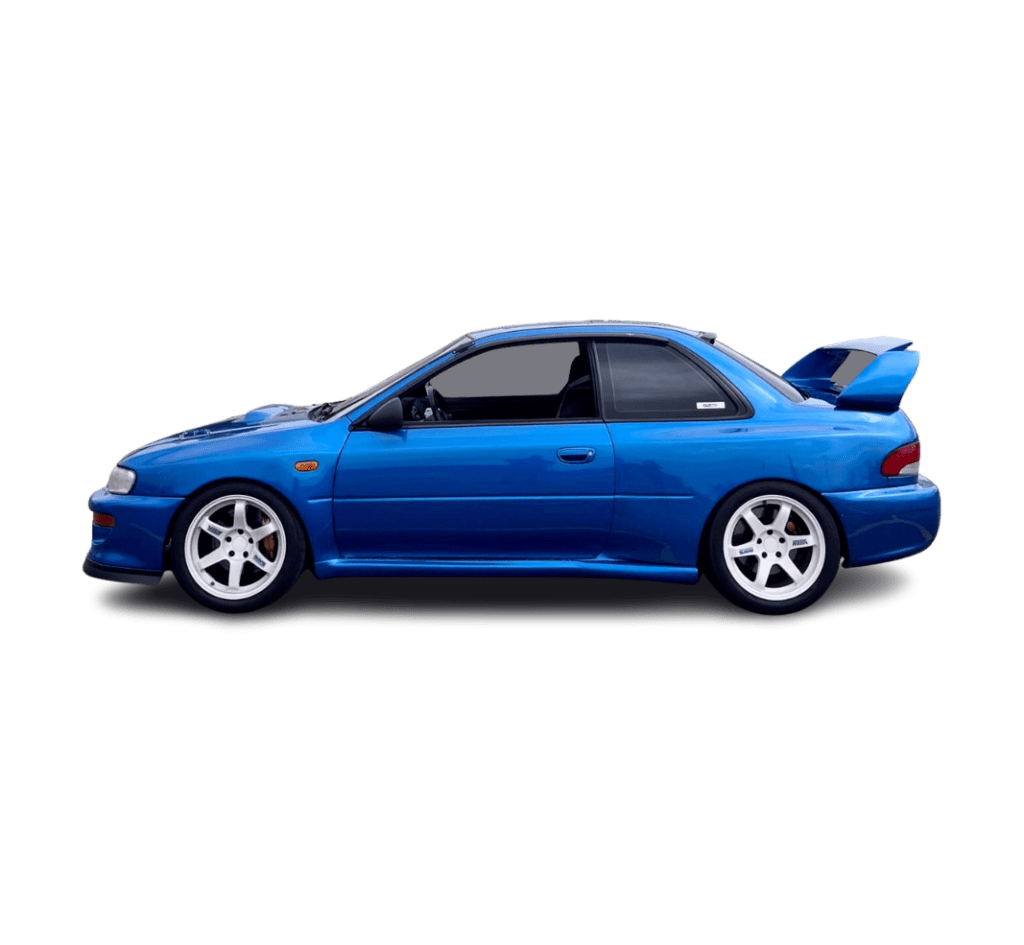
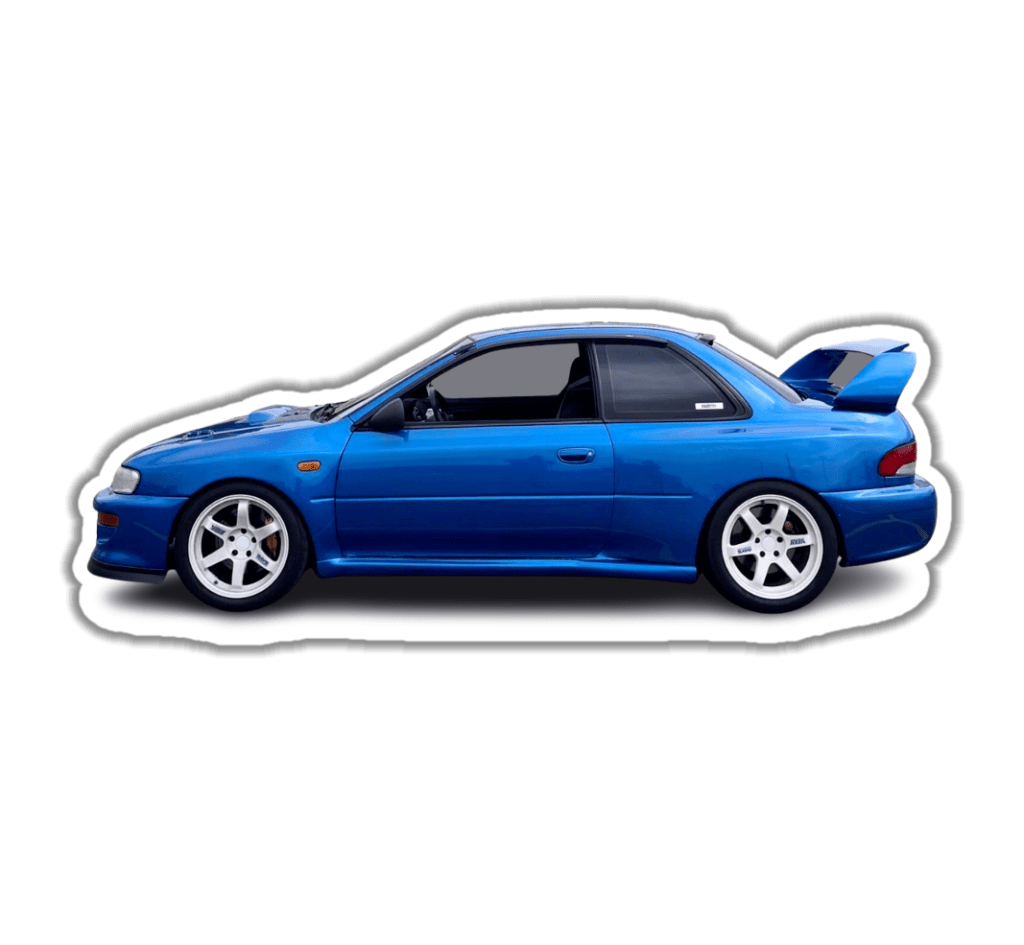
Expanding the Idea
Ultimately, I wanted my app to do more than simply work like a filter. So once I figured out the outline and drop shadow using the sticker’s alpha value, I challenged myself to design a sort of scrapbook feature that would allow me to arrange and layer them.
This was the more difficult feature to design and program. It required creating variables to save the sticker’s order, size, and rotation that were saved each time they were edited. I was determined to make it feel as easy and intuitive as I could.

Making it Better
With my systems for enhancing stickers and scrapbooking complete, I knew I wanted to make it easier to access and use them. For this purpose, the app saves the enhanced stickers to an album in your own photos app, but for additional convenience it also has its own Library tab.

 Peyton Hayes